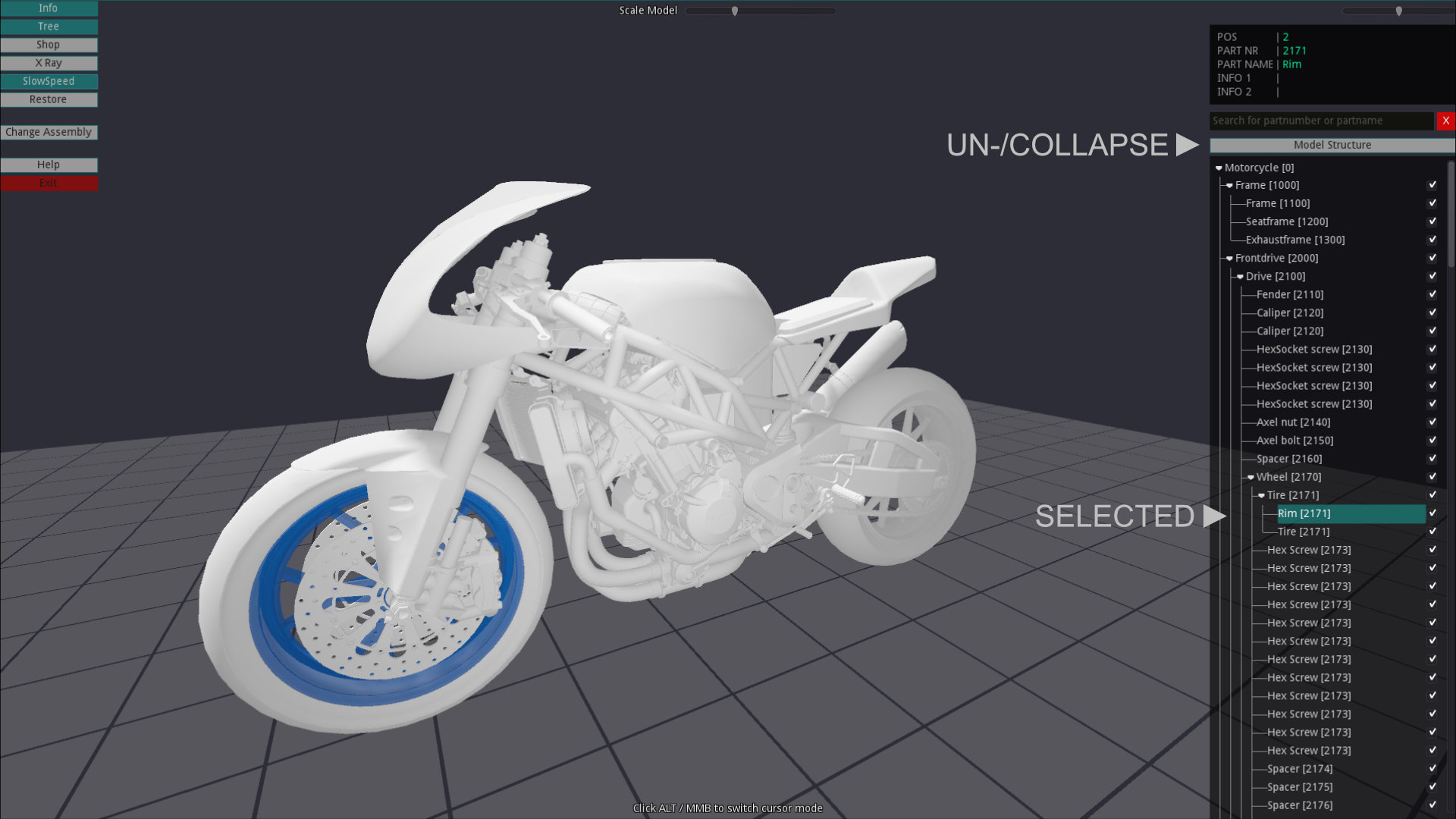
Model Structure
Shows the parts and its referenced assemblies in a hierarchy tree. When selecting an entry, the selected part is visually highlighted in the tree and in the model.
Click on the top bar to collapse or uncollapse the tree items.
Change part visibility
Change the visibility of parts by clicking the checkbox. Use Restore to activate all deactivated parts at once.