Search
Search for parts by type in the name or partnumber, ESC to cancel the search.
Note
- Search is case-insensitiv
- Search gives you results according to your input
- X-Ray is automatically activated when searching, so you can see hidden parts
Selecting a result will select the associated part in Model Structure.
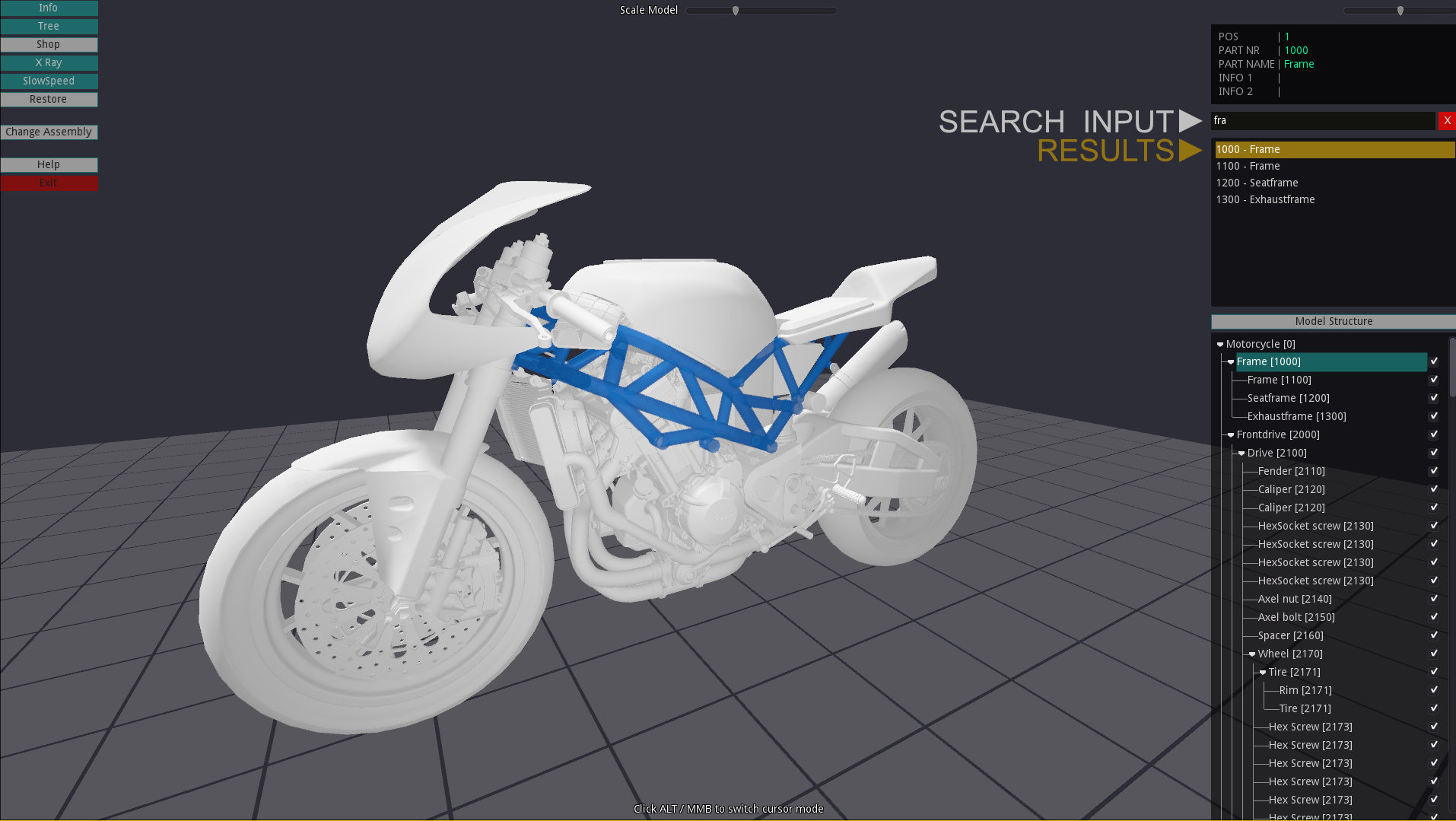
FIGURE 4: Search for parts in action