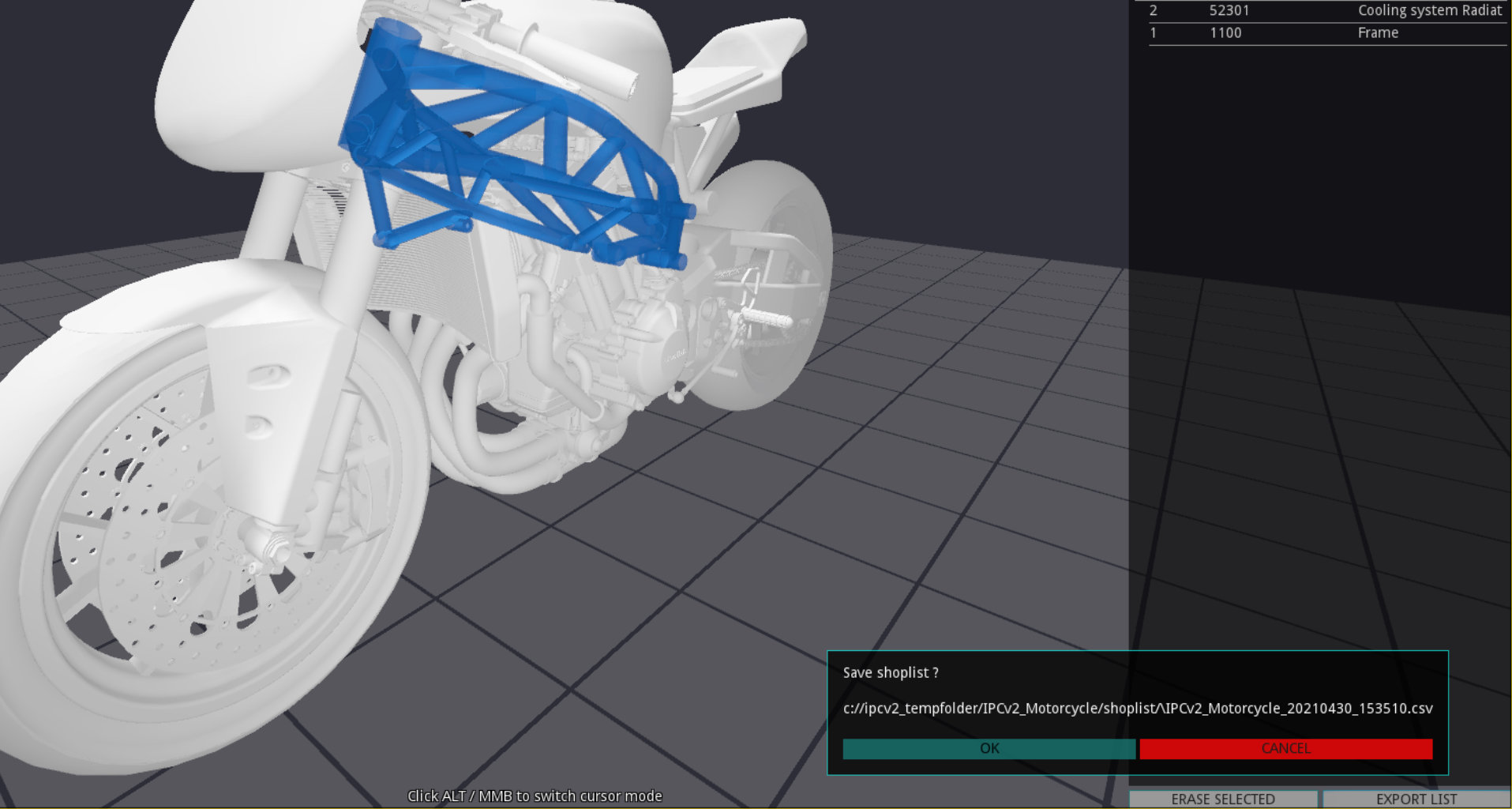
Shoplist
The application offers the ability to generate a individual list of parts.
ERASE SELECTED - Deletes the selected entry
EXPORT LIST - Export the list to your system. See Export List
Add parts to shoplist
When the SHOP is active the user is able to add the selected part with Key B. A dialog box opens and asks for quantity input (default: 1).
Quantity dialog box
Choose the quantity to order and click
ADD - Add item with quantity information to shoplist
CANCEL - Cancel the process
Attention
When an already added part is added again, the old entry is overwritten with the new quantity setting!
Export List
The list is exported as CSV file with timestamp e.g.: ipcv2_Motorcycle_20210430_113027.csv to your machine.
Note
Path of CSV: C:\ipcv2_tempfolder\–projectname–\shoplist
Important
In-App shoplist is cleared after export!
CSV result
TABLE 1 Shoplist
| PARTNUMBER |
PARTNAME |
QUANTITY |
|---|
| 1100 |
Frame |
2 |
| 7100 |
Seat |
1 |
| 2300 |
Suspension |
1 |